takagol Casino Mobile App
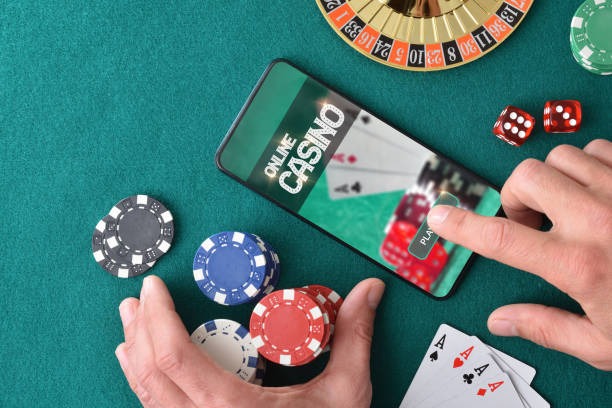
A user creates a takagol account on their smartphone, downloads the app, and begins playing live blackjack within minutes—no desktop needed. Mobile-first design on takagol ensures that live-dealer tables, football markets, and slots load quickly even on slower connections in cities like Jakarta, Surabaya, and Bandung.
- Installin
- StartFirst Game
- LoginOTP Verification
We at takagol built our mobile app to prioritize speed and reliability. Whether you access takagol via Android APK, iOS browser, or web app, the experience adapts to your device. Live streams buffer less, tables remain responsive, and your account data syncs across all platforms. Our takagol app handles deposits through DANA, e-wallet, mobile banking, and local payment without redirecting to external payment screens.
Mobile gaming has become the primary entry point for users in Southeast Asia. takagol's app puts live-dealer studios, Liga 1 markets, and slot games directly on your home screen. This guide walks through download, installation, and troubleshooting for Android and iOS users, plus tips for using takagol on the web when you prefer the browser.
Download options for takagol
We at takagol offer three ways to access our platform on mobile devices. Android users can download our native APK directly; iOS users can use the web app in Safari or Chrome; and web users on any device can log in through a responsive browser interface. Each path is equally supported on takagol, and your account works seamlessly across all three.
Installation steps for takagol
Follow these four steps to get takagol running on your phone. Most users complete installation within five minutes.
-
1
Download the takagol APK or app fileAndroid / iOS
Visit the takagol download page or use the link above. For Android, enable "Unknown Sources" in settings first. For iOS, use Safari to open the web app link.
-
2
Install the takagol appComplete installation
Open the downloaded file and follow the on-screen prompts. Grant permissions for camera and microphone if you plan to use takagol live-dealer tables. Installation takes under one minute.
-
3
Create or log in to your takagol accountRegistration / sign-in
Open takagol and enter your username and password, or create a new account. You will need to verify your email and phone number. Account verification usually completes within one business day.
-
4
Start playing on takagolLive tables and markets
Navigate to live blackjack, roulette, baccarat, Dragon Tiger, Liga 1 betting, or slot games. Your takagol account balance updates in real time across all devices.

takagol app versus browser: which is faster?
Our takagol native app (Android APK) loads live-dealer streams faster than the browser because it caches game assets locally and does not need to reload the entire interface each time you switch tables. The app also supports offline access to your account history and recent bets—useful during brief connection lapses. Push notifications on takagol alert you to live football matches and special promotions without opening the app manually. On iOS, the web app provides nearly the same experience as the native app and avoids the need to manage updates. Choose the app for speed and notifications; choose the browser if you prefer not to install anything extra or if you switch between devices frequently.
Device compatibility for takagol
We at takagol support Android 7.0 and newer on phones and tablets. iOS users need Safari or Chrome on iOS 12.0 or newer. takagol works on most smartphones released in the past five years, including budget models. If your device is older than five years or runs an unsupported operating system, contact our support team during business hours for alternatives.
Troubleshooting takagol installation
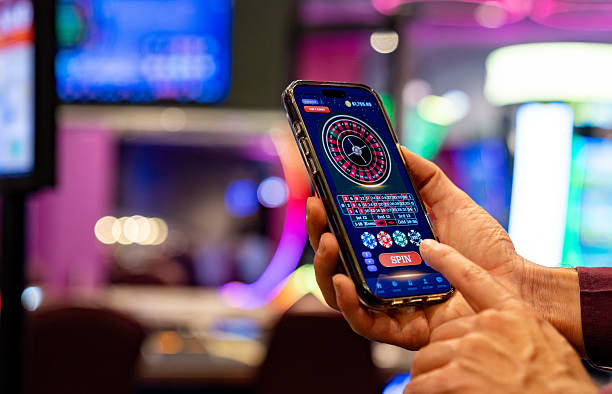
Android users sometimes see a "Unknown sources" warning. This is normal: go to Settings > Security > Unknown Sources and enable it temporarily to install takagol. After installation, you can disable it again. On iOS, Safari may display a message about the app not being verified by Apple. This is a standard warning for third-party web apps; tap "Allow" to continue. If takagol fails to load on slower 3G or 4G connections, try closing other apps and restarting your device. Our takagol app adapts to low-bandwidth conditions by reducing image resolution; this is not a fault but a feature to keep tables responsive during off-peak hours or in areas with congested networks.
Data, permissions, and security on takagol
The takagol app requests permission to access your camera and microphone for live-dealer interactions and identity verification. We at takagol do not share these permissions with third parties and only enable them when you initiate a video verification or join a live table with optional video chat. Your location data is never requested by takagol. Account data (username, email, balance, transaction history) is encrypted in transit and at rest. If you lose access to your device, use any other phone or computer to log in to takagol with your credentials; your account will remain secure because we authenticate by username and password, not by device. Enable two-factor authentication on takagol in your account settings for additional security.
Getting help with takagol
If you encounter issues installing or using takagol, our support team is available during business hours via live chat, email, and phone. Include your device model, operating system version, and a clear description of the problem. We typically respond within one business hour. For account recovery (lost password, suspicious login), use the password reset link on the takagol login screen; you will receive a code at your registered email. If you cannot access your email, contact support with proof of identity (KTP or passport photo) and we will help you regain access to takagol.
We at takagol continuously optimize the app for speed, battery efficiency, and offline resilience. Check for updates in your app store regularly to access new features and security patches on takagol.